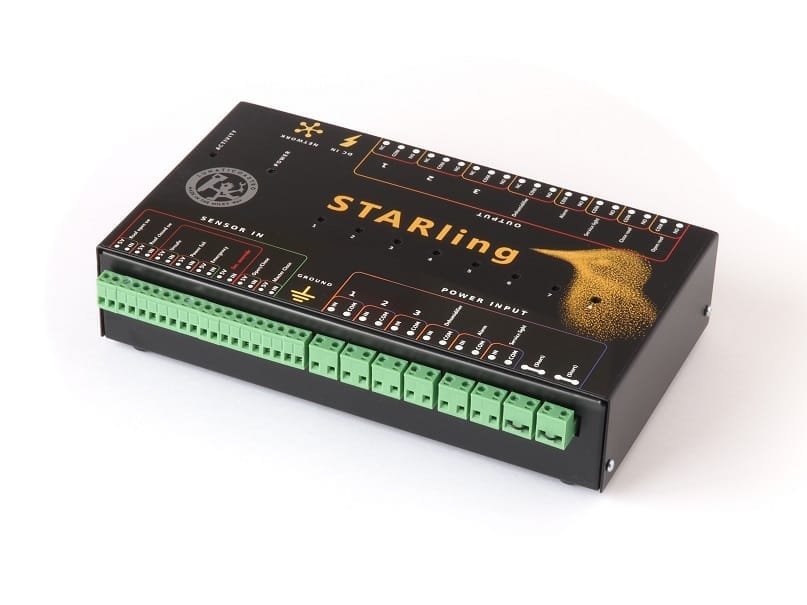
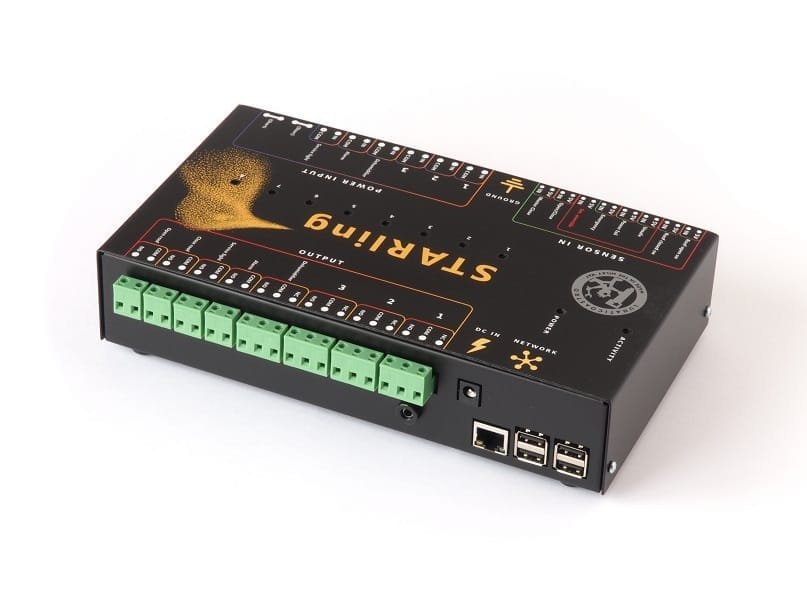
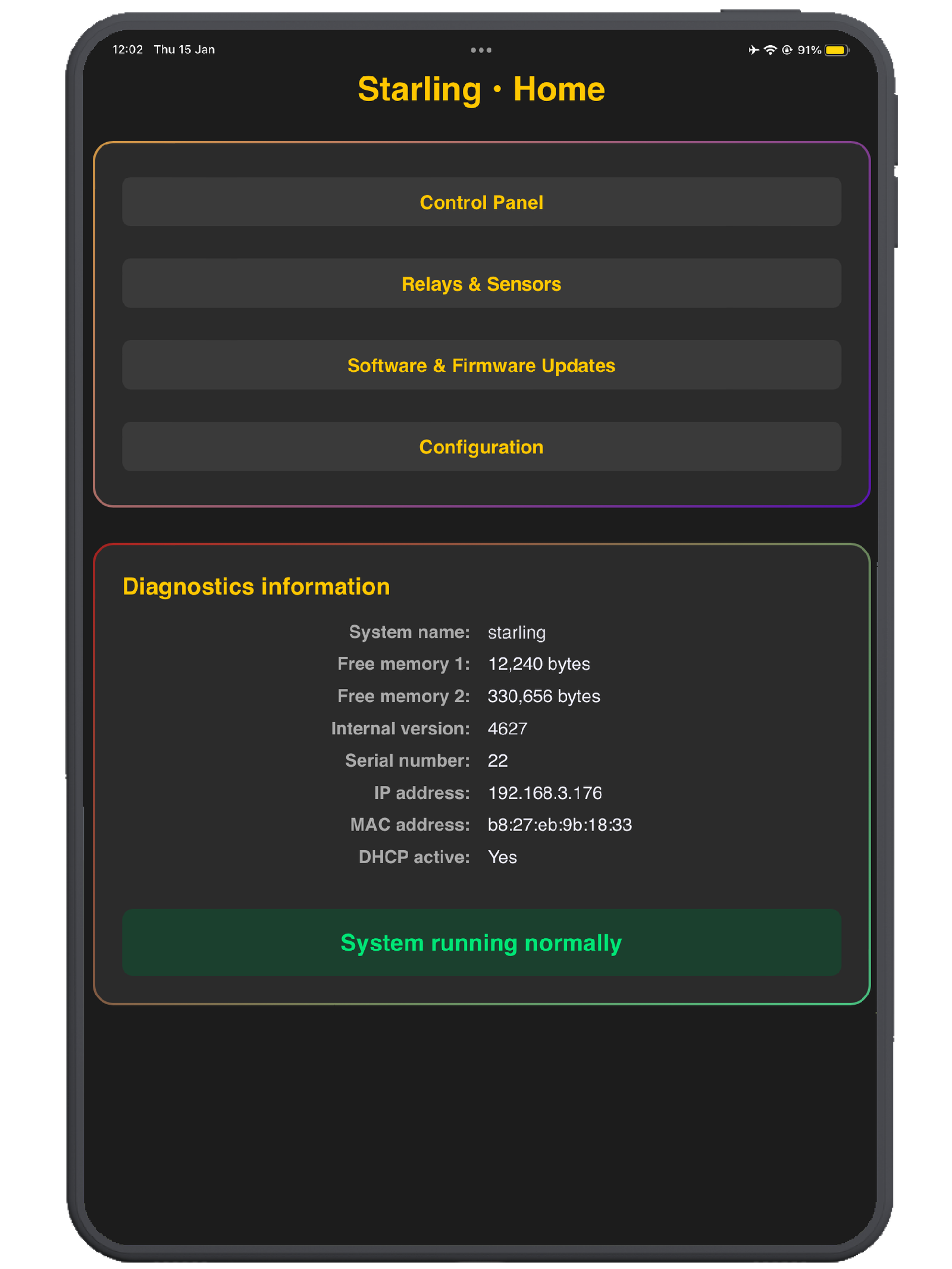
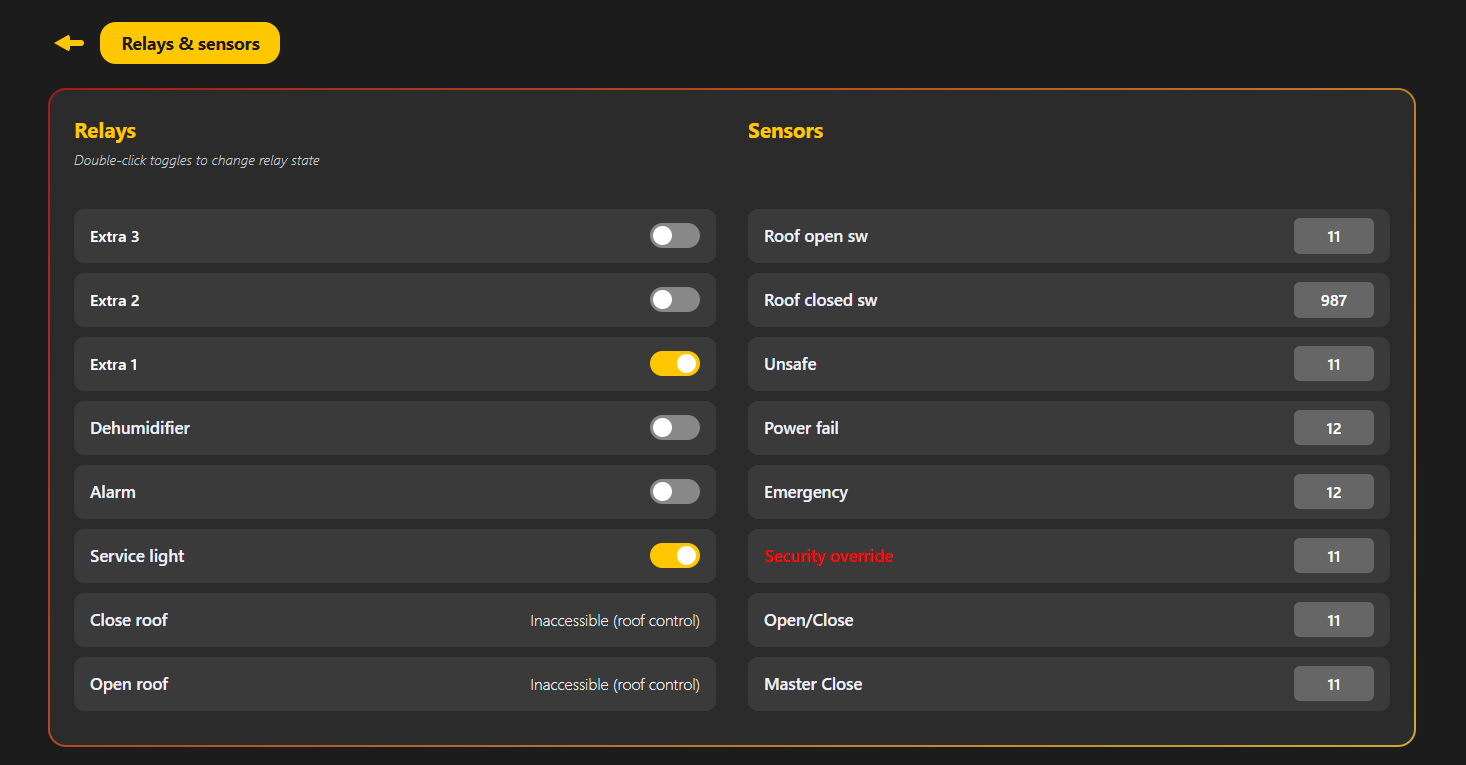
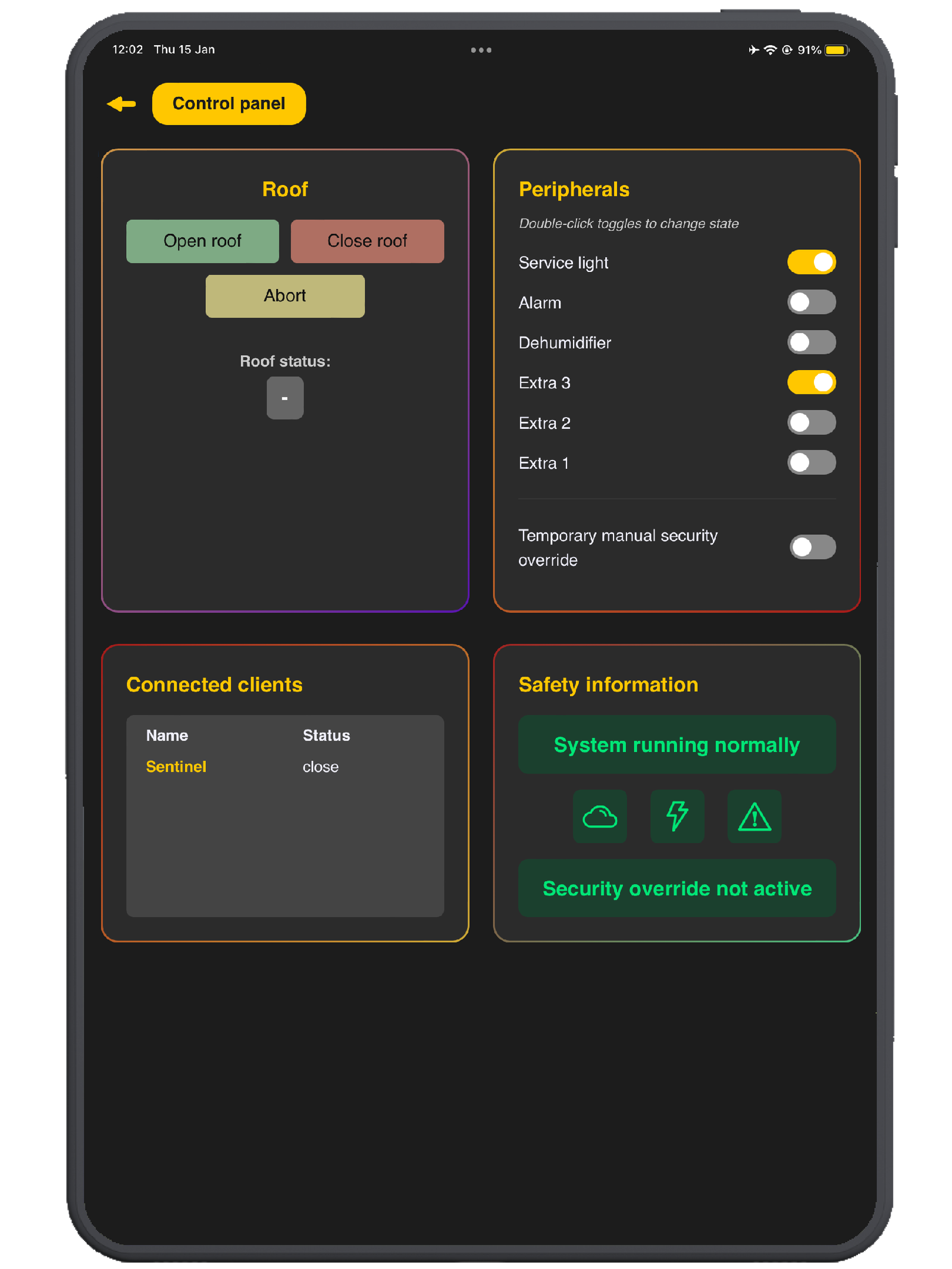
 Starling is designed as a near plug-and-play roof control solution for professional and semi-professional shared observatories.
It provides a consolidated roof control layer, bringing roof motion, safety inputs and automation logic into a single controller.
|
It is a shared observatory controller designed for remote and multi-user installations. You can find full overview and technical details here: https://lunaticoastro.com/starling-shared-observatory-controller/ Running an observatory remotely is one thing — running a shared observatory with multiple users requires clear access control, safety rules, and a system that keeps everything organised. Starling is Lunaticoastro’s shared observatory controller, designed to manage multi-user access and observatory automation in a clean, reliable way. |
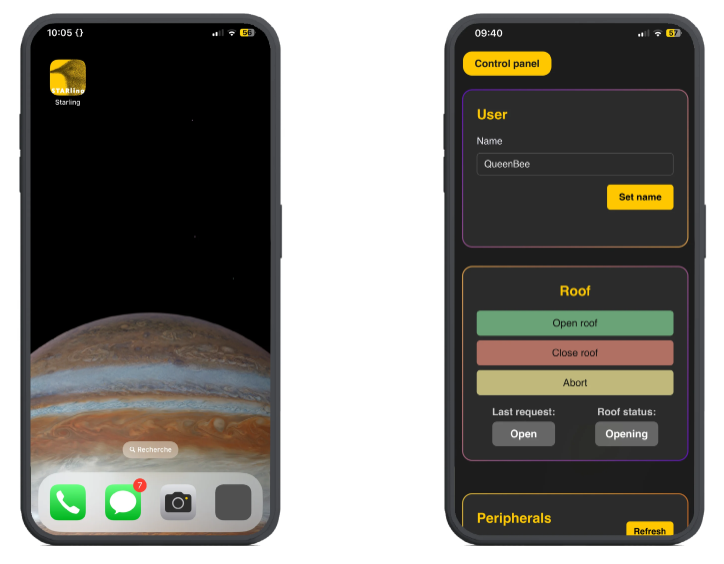
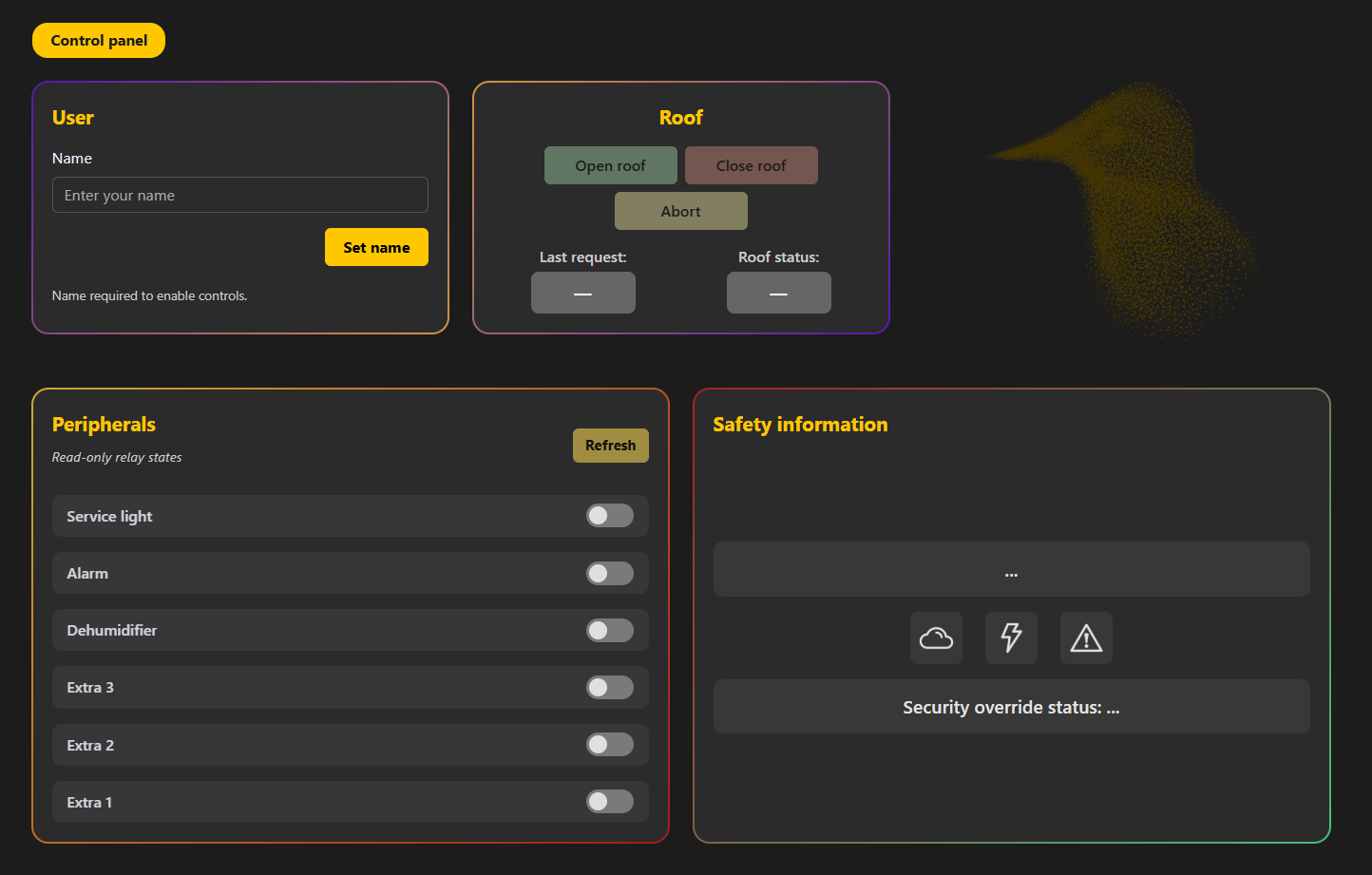
Mobile-friendly control panel.No app needed!
|
User roles
Starling is designed for shared observatories with two clear roles:
|
|
Starling includes a simple API that enables easy integration with existing applications and custom web dashboards (for example, an observatory status page), while providing the versatility, robustness and reliability required for professional and semi-professional installations.
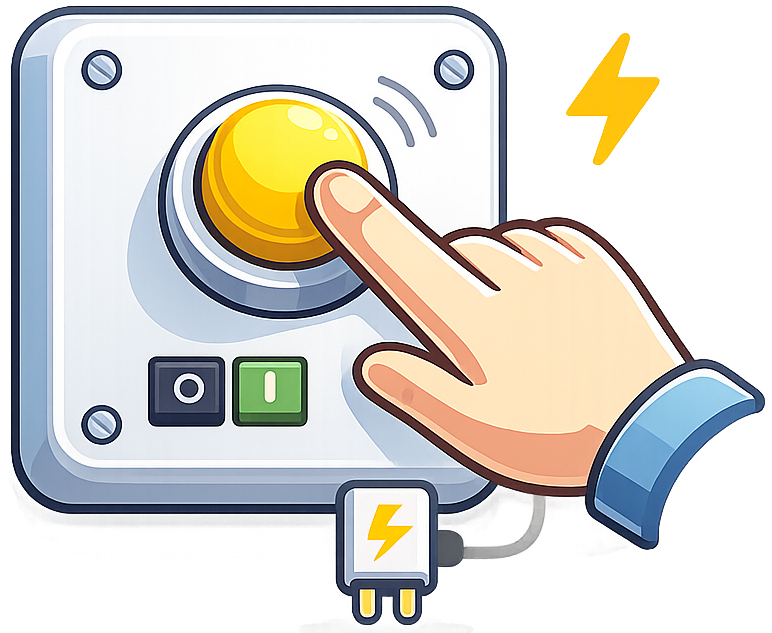
A dedicated hardware button is included for quick manual actions when needed — a practical feature that adds convenience and an extra layer of control on site.
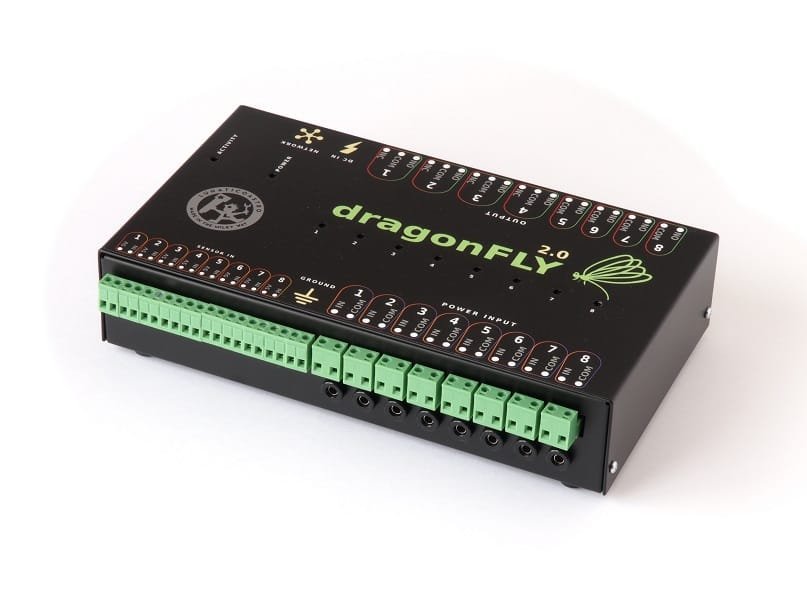
Is Starling an improved Dragonfly?
|
This is a common question we get. And the short answer is: no. Starling is focused on the roll-off roof (and on multi-user behaviour). Dragonfly is a versatile controller for many observatory elements. Read more… |
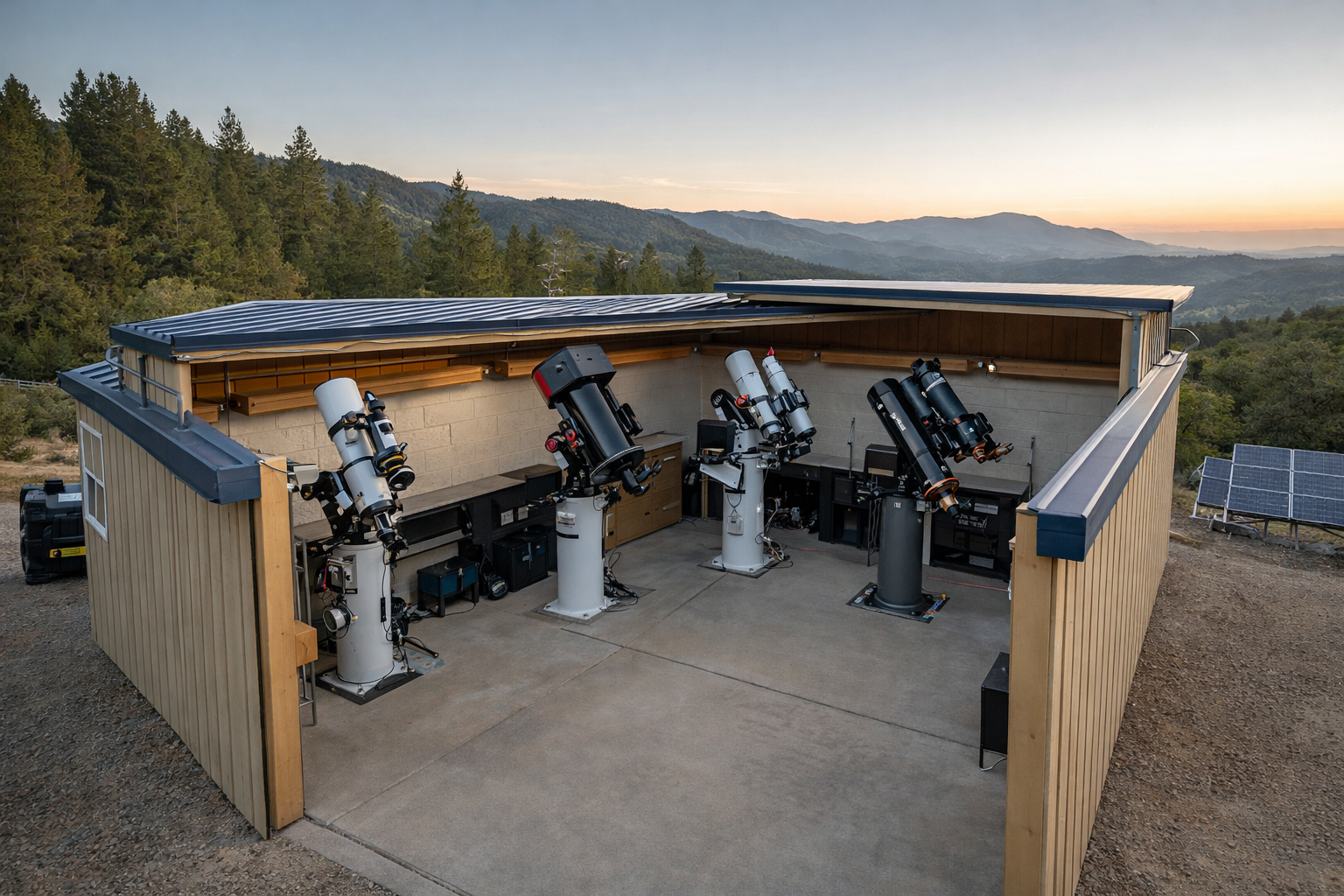 Supported roof systems
-
Automated roofs using Caterpillar SSR
Fully integrated support for automated roofs using Lunaticoastro’s Caterpillar SSR controller. -
Automated roofs using third-party motorisation
Compatible with roofs automated using third-party motorisation systems (e.g. garage door motors), so Starling can be integrated into existing installations. -
Roofs driven by three-phase motors with VFD
Support for roofs powered by three-phase motors controlled via a Variable Frequency Drive (VFD). -
Roof flaps driven by linear actuators
Starling can control roof flaps / auxiliary hatches/panels as long as they are moved by linear actuators.
All roof control functions are consolidated in Starling: motion control, safety inputs, and automated operation sequences.
Why Starling?
|
Accessible for clients via |
||
|
ASCOM driver |
Public control panel |
API / Web integration |


INDILib support coming soon
Technical specifications:
- Easy installation with DIN rails (optional)
FAQ
How does Starling handle multi-user observatories?
Starling uses a Sentinel + Client model. The Sentinel supervises safety conditions and client requests, while Clients operate the roof and monitor observatory status within a controlled workflow.
Is Starling an improved Dragonfly?
No. They are different products, designed for different needs, and they can work perfectly well together in the same observatory.
How can Clients control the roof?
Clients can operate the roof through third-party software via ASCOM, through the public control panel, or via the API.
Which third-party automation software is supported?
Starling can be used with common observatory automation software such as Sequence Generator Pro (SGP), Voyager, ACP Observatory Control Software, N.I.N.A., and more (via ASCOM).
What roof systems are supported?
Starling supports multiple roof automation approaches, including:
-
-
-
-
Automated roofs using Caterpillar SSR
-
Automated roofs using third-party motorisation (e.g. garage door motors)
-
Roofs driven by three-phase motors with VFD
-
Roof flaps / auxiliary panels driven by linear actuators
-
-
-
Is the API public and suitable for custom integrations?
Yes. Starling provides a simple API for integration with existing applications and custom dashboards (for example, an observatory status page).
Where can I find full technical details?
Full specifications and detailed documentation are available here:
https://lunaticoastro.com/starling-shared-observatory-controller/